
Bästa IPTV Appen 2026: The Best IPTV Apps for Nordic Viewers Compared
The app you choose shapes your entire viewing experience. We compare the leading IPTV players across every platform common in Nordic homes.
· 6 min read · Nordic Play IPTV editorial team
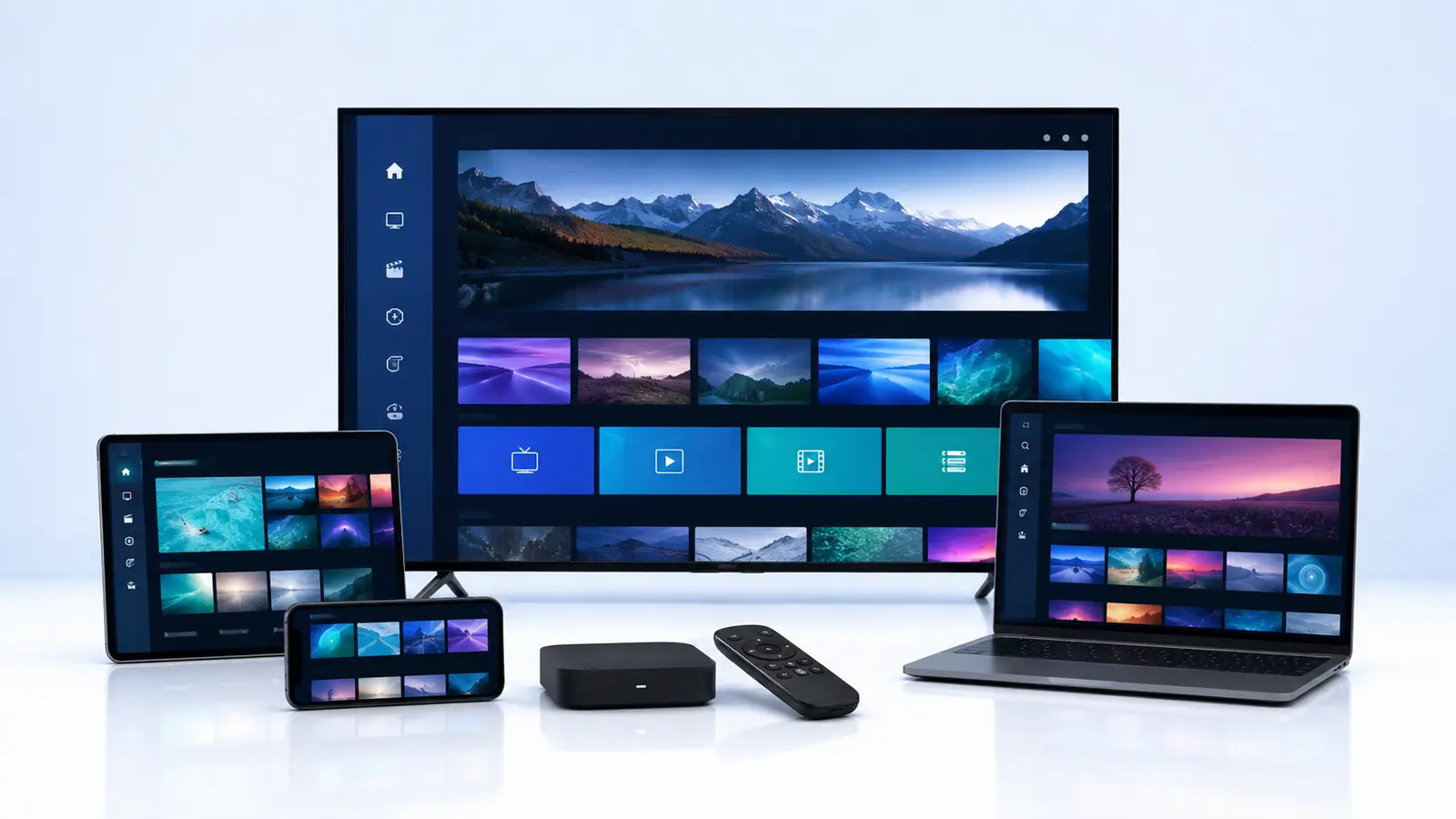
Your IPTV subscription delivers the channels; the app decides how enjoyable they are to watch. A good player makes a 500-channel Nordic lineup feel as effortless as ordinary television. A poor one buries your favourites under endless menus and crashes during the match. This guide compares the leading options so you can find the bästa iptv appen for each screen in your home.
What makes an IPTV app good
Before the comparison, it helps to agree on criteria:
- Playlist and EPG support: M3U and Xtream-style playlists, plus XMLTV guide data.
- Stability: no crashes during long sessions or fast channel switching.
- Navigation: fast channel zapping, favourites, groups and search.
- Extra features: catch-up, timeshift, recording, multi-screen and parental controls.
- Active development: regular updates for new TV firmware.
- Cost: free, one-time activation or subscription.
Smart TV apps (Samsung Tizen and LG webOS)
Smart IPTV family
The long-standing default for nordic smart iptv setups. Playlists are uploaded via a web portal using the TV's MAC address. Simple, stable and widely documented, with a small one-time activation fee per device. Navigation is basic but fast.
Set IPTV
Set IPTV has become a favourite on Samsung and LG thanks to a cleaner interface and a straightforward activation process. It handles large Nordic playlists well and presents the EPG clearly. Like its competitors it charges a modest one-time fee per TV.
Newer alternatives
Several newer players offer modern layouts with poster art and category browsing. They can look impressive but check that your TV model is supported and that updates are regular before committing.
Android TV, Google TV and Fire TV
IPTV Extreme
IPTV Extreme is a powerful Android player with deep customisation, recording to local storage, parental controls and excellent EPG handling. The interface has a learning curve, but for users who want control it is among the most capable apps available. A paid Pro version removes advertisements.
TiviMate
Widely regarded as the most polished Android TV player, with a television-like guide, multi-view and recording in the premium tier. Not available on iOS or Samsung, but on an Android box it is hard to beat.
Other options
Several other Android players deliver solid basic playback for free. They are good fallbacks if a primary app misbehaves after a firmware update.
Apple TV, iPhone and iPad
Apple's ecosystem has fewer options but the leading players are stable and well designed. Look for apps that support Xtream logins and XMLTV EPG, offer picture-in-picture on iPad and sync favourites across devices. Most are free with an in-app purchase for advanced features.
Windows and macOS
Desktop viewing is less common but useful in home offices and student rooms. VLC plays almost any playlist for free, while dedicated IPTV desktop apps add EPG and favourites. For most households a browser-based player from the provider, where offered, is the simplest option.
Our recommendations by scenario
- Main Samsung or LG living room TV: Set IPTV or a Smart IPTV app for simplicity and reliability.
- Android TV box or Fire TV Stick: TiviMate for polish, IPTV Extreme for control and recording.
- iPhone or iPad on the go: a well-reviewed Xtream-compatible iOS player with picture-in-picture.
- Second TV in a bedroom: whichever app the household already knows; consistency reduces support calls to the household's unofficial IT manager.
Tips that apply to every app
- Use Ethernet on fixed devices wherever possible.
- Set the EPG time offset correctly once; most guide complaints come from this setting.
- Build a favourites group with the twenty channels you actually watch.
- Keep the app updated; TV firmware changes break old versions regularly.
- If a channel buffers, test it in a second app before contacting nordic iptv support. If both buffer, it is network or provider side (see our outage and buffering guide); if only one does, it is the app.
Frequently asked questions about IPTV apps
Can I switch apps without changing my subscription?
Yes. Your subscription is a playlist or login, and any compatible app can use it. Switching from a Smart IPTV app to Set IPTV, or from IPTV Extreme to TiviMate, takes a few minutes and does not affect your plan.
Why is the same channel smooth in one app and choppy in another?
Apps use different video decoders and buffering strategies. If a channel misbehaves in one app and plays cleanly in another on the same device, the issue is the app, not the service. Keeping a backup app installed makes this quick to diagnose.
Are free apps good enough?
Often, for basic viewing. Paid tiers typically add recording, multi-view, better guide layouts and remove advertisements. Given the cost of a television, the small price of a premium app is usually worth it for the main screen.
Do apps from unofficial sources work better?
Avoid them. Sideloaded players from unknown websites carry security risks and are rarely updated. The mainstream apps in official stores support every playlist format a reputable nordic smart iptv provider uses.
Which app is best for children?
Choose one with parental controls and a simple favourites view. IPTV Extreme offers strong controls on Android; on Samsung and LG, build a dedicated favourites group containing only children's channels and keep the remote's app shortcut pointed at it.
Conclusion
There is no universal bästa iptv appen, but there is a best app for each screen. Set IPTV and the Smart IPTV family excel on Samsung and LG (our Samsung and LG setup guide walks through installation), TiviMate and IPTV Extreme lead on Android, and Apple users have polished if fewer choices. For a closer look at the three heavyweights, read IPTV Extreme vs Set IPTV vs Smart IPTV. Match the app to the device, configure the EPG properly and your Nordic channel lineup will feel like it was built into the television.
Related articles

IPTV Extreme vs Set IPTV vs Smart IPTV: Which Player Should Nordic Viewers Choose?
Three of the most searched IPTV players, compared head to head on the things that matter: platforms, EPG, features, stability and price.
READ ARTICLE
Nordic Smart IPTV: Setting Up IPTV on Samsung and LG Smart TVs the Right Way
Most Nordic homes already own a Samsung or LG television. Here is how to turn it into a reliable IPTV screen in under twenty minutes.
READ ARTICLENordic Play IPTV Review 2026: An Honest Look at Channels, Stability and Support
What does Nordic Play IPTV actually deliver day to day? We examine the channel lineup, streaming stability, apps and support so you can decide with confidence.
READ ARTICLE